 Lares
Install Lares
Add Lares to your phone’s home screen for quick access.
Safari · iPhone
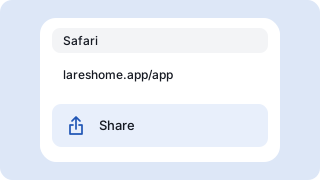
Open lareshome.app/app in Safari. From the page menu, tap Share. Some layouts show Share directly.
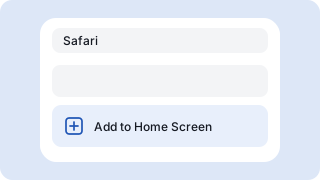
Scroll down and tap Add to Home Screen. If it’s missing, find it under Edit Actions.
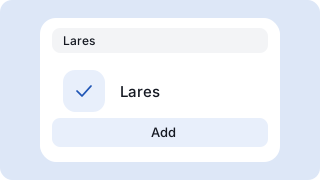
Turn on Open as Web App if shown, then tap Add. Open Lares from the home screen.
Chrome · Android
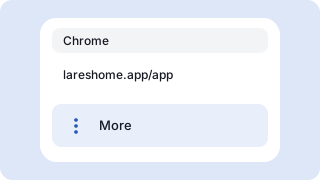
Open lareshome.app/app in Chrome and tap the three-dot menu.
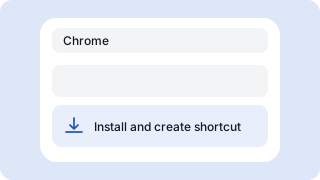
Tap Install and create shortcut or Add to Home screen, then choose Install when it appears.
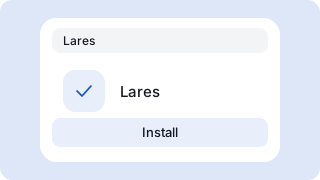
Confirm the prompt, then open Lares from the home screen.